A small Mac tool
TBDisplay.
What it is
TBDisplay turns an Apple silicon iMac into an extra display for a MacBook, over a direct Thunderbolt cable.
It is two small Mac apps. TBDisplay Server runs on the MacBook. It creates a virtual display and streams it to the iMac as hardware HEVC video. TBDisplay Client runs on the iMac and shows the stream full screen.
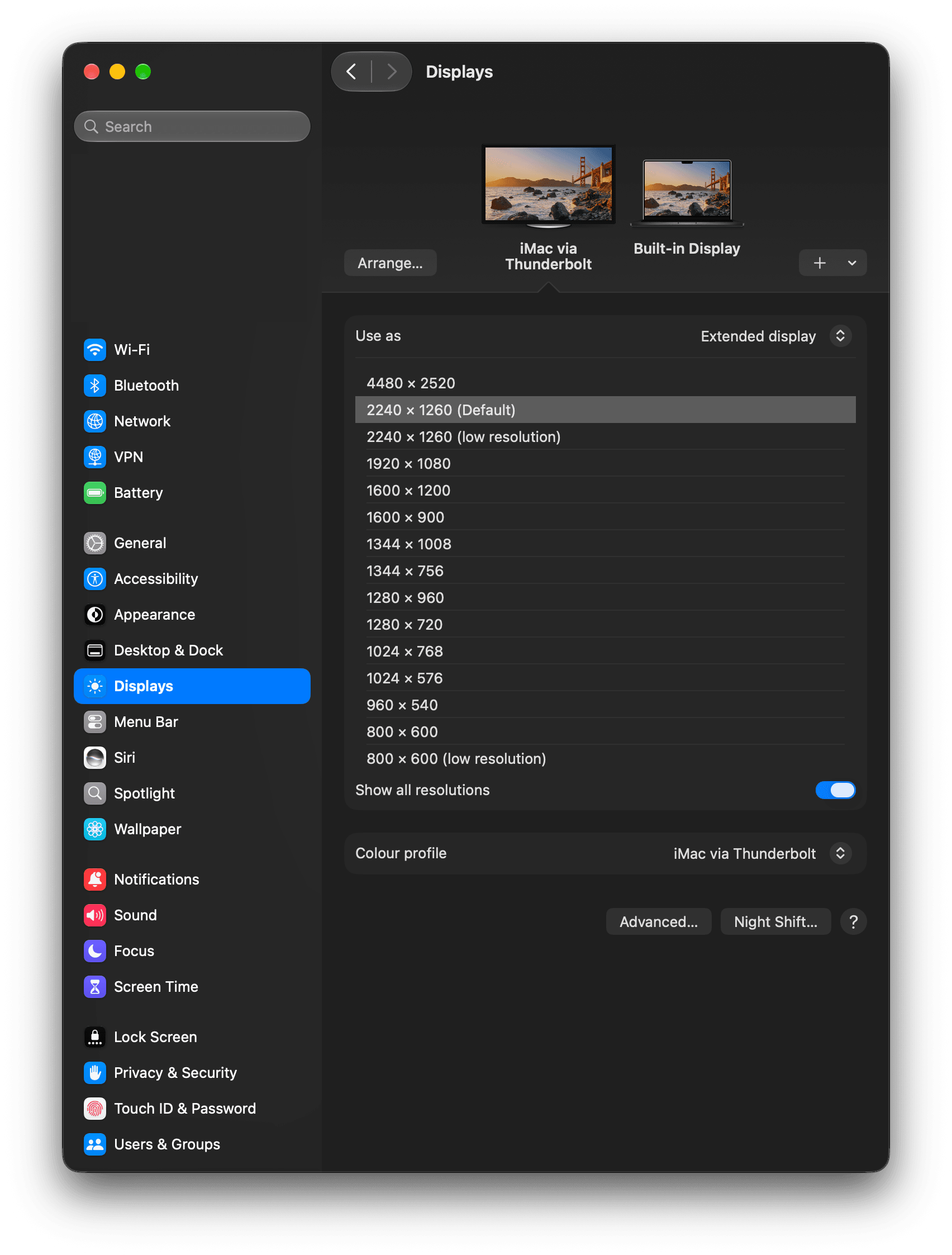
- It streams at the iMac’s full native resolution. On the 24-inch iMac that is 4480 x 2520, shown as a 2240 x 1260 Retina desktop.
- It keeps delay from building up over long sessions. A newer frame replaces one that is still waiting.
- The link is encrypted. You pair the Macs once with a six-digit code shown on both. There are no files to copy.
- It connects over Thunderbolt by default. A Connect over setting also offers Wi-Fi and Ethernet, including a USB network link between the Macs. Set the same choice on both Macs.
- It can pass the iMac’s keyboard and mouse to the MacBook. Switch it on from the MacBook menu bar item.
- Sound stays on the MacBook.
- It is open source under the MIT licence.
- The download is signed with a Developer ID and notarised by Apple, so it opens without a security warning.
Why I built it
Older iMacs could work as a monitor for another Mac through Target Display Mode. Apple dropped it for iMacs with Apple silicon, so the iMac screen sat unused beside the MacBook.
AirPlay to Mac was the built-in way round it. It worked, but the picture was poor, and it got worse over several hours of use. It was a minor, constant annoyance.
So I wrote two small macOS apps. They solve one small problem for one pair of machines. I am sharing them in case they help someone with the same problem.
How to install it
- Download the disk image from the latest release on GitHub and open it.
- Drag both apps into Applications. TBDisplay Server goes on the MacBook. TBDisplay Client goes on the iMac.
- Open TBDisplay Server on the MacBook. macOS asks for Screen Recording permission. Allow it.
- Open TBDisplay Client on the iMac.
- Pair them once. Choose Pair a new Mac in the MacBook menu bar item, and Pair with MacBook in the iMac window. Both Macs show a six-digit code. Choose Yes on both if the codes match.
- Connect the two Macs with a Thunderbolt 4 or USB4 cable.
The iMac window has a Check connection button. If it does not connect, pressing it gives one plain reason.
Limits
- It works on Apple silicon Macs only, with macOS 14 or later on both.
- It relies on an undocumented Apple interface to create the virtual display. A macOS update could stop it working.
- I have tested it on one pair of Macs, a MacBook Pro and a 24-inch M1 iMac. Other models, macOS versions and cables are untested.
- The Thunderbolt link between two Macs can fail to form after sleep or a cable change. The Check connection button says what to try. What works for me is unplugging the cable at the MacBook, then deleting and re-adding Thunderbolt Bridge in System Settings, Network.
- It is not affiliated with Apple. It is not available on the Mac App Store.